OneIT Desktop Application
Role: Lead UX designer (Managed 3 UX designers)
I led end-to-end design, from research to MLP and North Star vision, partnering with product, engineering, IT ops, and global leadership to align on principles and rollout.
Timeline: October 2023 - current
From reactive fixes to proactive, trustworthy IT support
Amazon’s internal IT experience was reactive, fragmented, and difficult for non-technical users to navigate. Employees often discovered issues only after their work was disrupted. This created unnecessary downtime, increased ticket volume, and significant operational cost.
I redesigned the end-to-end IT experience to shift IT from reactive troubleshooting to proactive prevention at a global scale.
When IT breaks, work stops.
A missed update or a backup that didn’t complete, can disrupt an employee’s day and delay entire teams.
We set out to reimagine how IT could anticipate issues before they interrupt productivity.
Challenge
On average, 350,000 Amazon employees encounter 3-4 IT issues each month and use about 10 IT related tools to diagnose and resolve them. Each issue takes 20-40 minutes to fix, adding up to hours of lost productivity every month.
What if IT issues were resolved before employees ever felt the impact?
What if support became so intuitive and proactive that no one needed to ask for help?
Design Process
1. Understand
Dive deep into user problems and goals to ensure the solution is grounded in real needs.
2. Explore
Develop different design concepts to uncover opportunities that deliver the highest impact.
3. Align
Bring partners together to validate concepts and agree on the direction.
4. Refine
Iterate and polish the experience into a clear and cohesive solution.
1. Understand
Research insights
From interviewing 50+ of Amazon employees seeking for IT support and the IT team providing assistance, I learned following insights that informed user personas.
“Most of the IT issues are preventable if customers are regularly restarting their machines.”
— IT support engineer from New York
“They (IT) shouldn’t expect people to proactively check these things (IT-related tasks). People are busy.”
— Account executive from Seattle
“If it is just one click (to resolve an issue), I would take the action in the app.”
— Marketing manager from Paris
Target personas
Seeing different types of needs by tenure, job family, and laptop lifecycle. I divided personas into following:
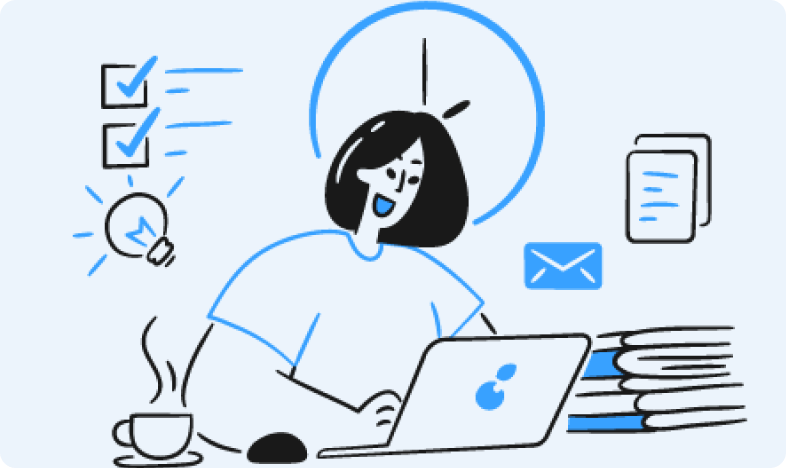
Tenured Tracy
Software engineer for 4 years at Amazon
Since her laptop has slowed down, she decided to replace with a new one. As a busy software engineer, she wants the replacement process to go as seamlessly as possible.
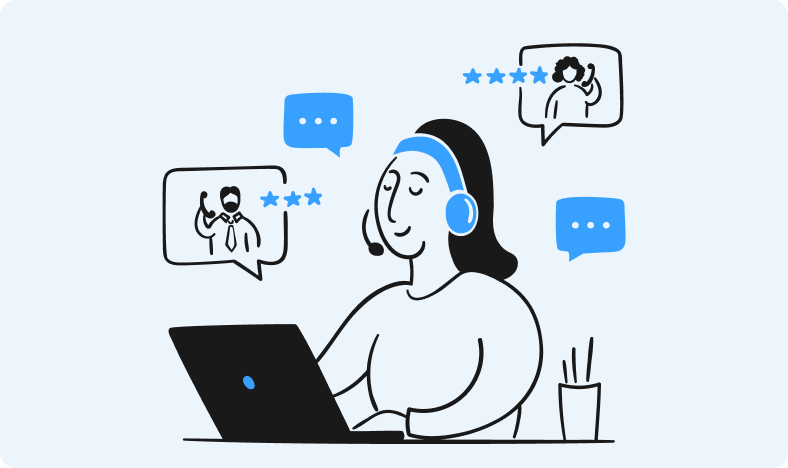
Newbie Nicole
HR manager for 2 months
Her goal is to quickly onboard to Amazon so that she can start bringing in great talents. Being new, she lacks clarity into what resources are available to expedite her onboarding.
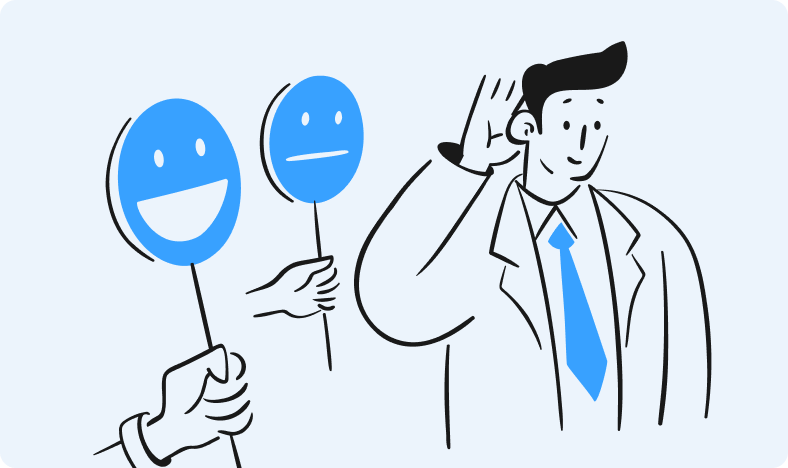
Non-technical Nathan
Account executive for 3 years
His day is packed with demo meetings with clients. An IT issue can stop him from showing up well to his customers. Since he is not familiar with IT, he could easily panic with IT issues.
Goal
Help employees stay productive by preventing problems—and when action is needed, make the fix one click, transparent, and reversible.
Design principles
To provide clear and shared guidance to keep the team aligned on what makes a great user experience
Be invisible, but accountable
•
Prevent, don't react
•
Earn trust through clarity and respect
•
Be invisible, but accountable • Prevent, don't react • Earn trust through clarity and respect •
2. Explore
Storyboards
I created and presented storyboards to the leadership team to align on user values that the IT application is adding to Amazon employees.
Design concepts
I explored multiple design concepts to facilitate conversation with stakeholders on what would be the ideal IT experience.
Designing through a systems lens
The IT App North Star was driven by a systems-level reframing of the entire IT issue lifecycle, from detection and automation to user decision points and cross-channel support. By aligning device telemetry, proactive logic, OS constraints, and support workflows into one coherent model, I defined a vision where IT becomes proactive and anticipatory across Amazon’s ecosystem, not just another reactive tool.
Why OS native app?
After identifying top 10 IT issues (e.g, Software update, access, third-party apps), I compared each channel to determine the right solution that helps users stay unblocked. The OS native approach was the only solution that could deliver proactive, system aware support at scale, so I committed to this direction.
| Channel | Pros | Limitations |
|---|---|---|
| Web application |
|
|
| Mobile application |
|
|
| Slack & email |
|
|
| OS-native desktop app |
|
|
3. Align & 4. Refine
MLP experience
I delivered the Most Lovable Product (MLP) that solved the highest impact problems and validated the core experiences with employees.
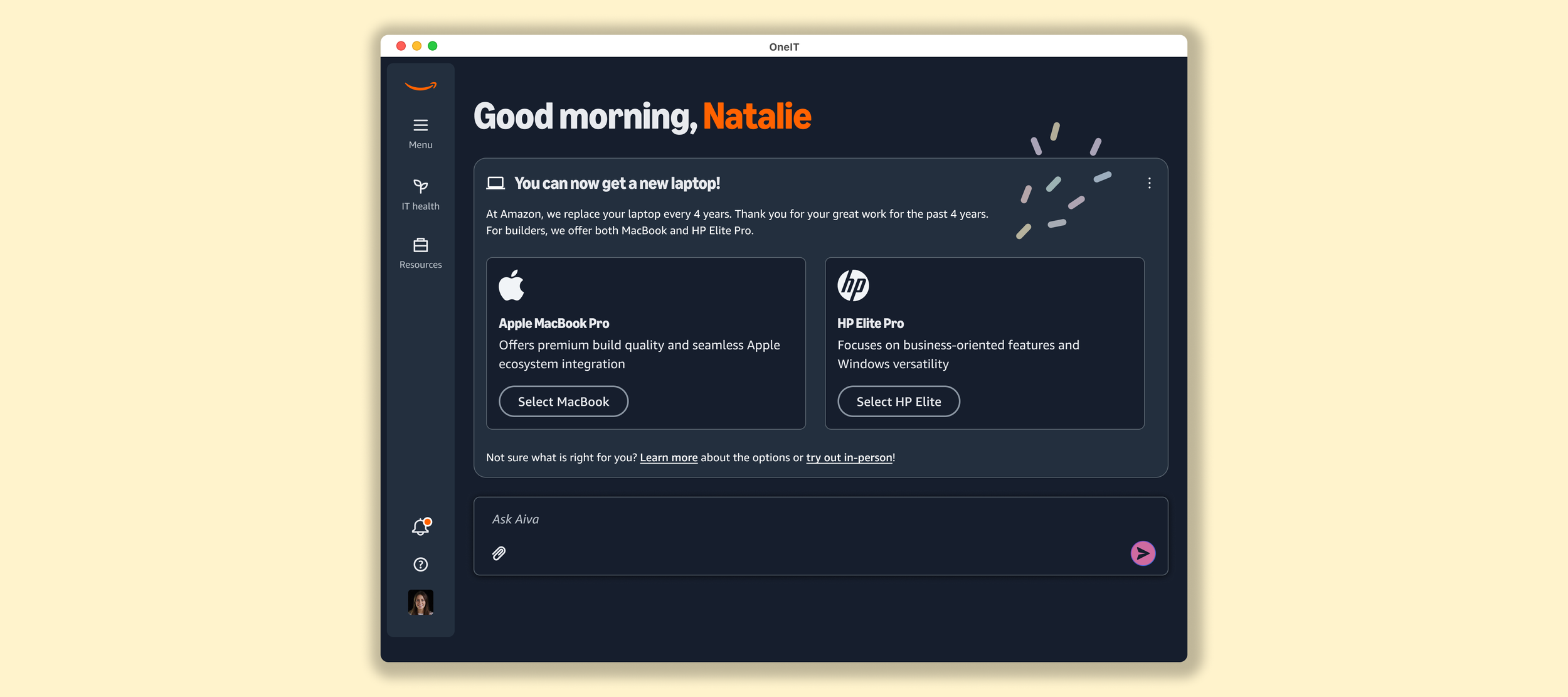
The prototype below shows MLP design that launches in November.
MLP design highlights
The MLP focused on delivering the foundational experiences employees needed most. Below are the key design improvements I led to validate the core value of the IT app
1. Native push notification
Native push notifications were essential for delivering proactive IT support. They allow IT to surface critical issues at the right moment before they interrupt work.
I validated this feature with global employees to confirm that native notifications drive significantly higher engagement compared to existing channels like Slack or email.
2. Offline mode
The desktop app platform supports offline functionality, which we leveraged to help employees fix connectivity issues. Even when users are offline, the app provides troubleshooting guidance and resources that help them get back online quickly and independently.
3. IT health
The IT Health dashboard gives employees a clear, real-time view of their device and account status. It creates transparency by highlighting potential issues and offering actionable recommendations, helping users keep their systems healthy with minimal effort.
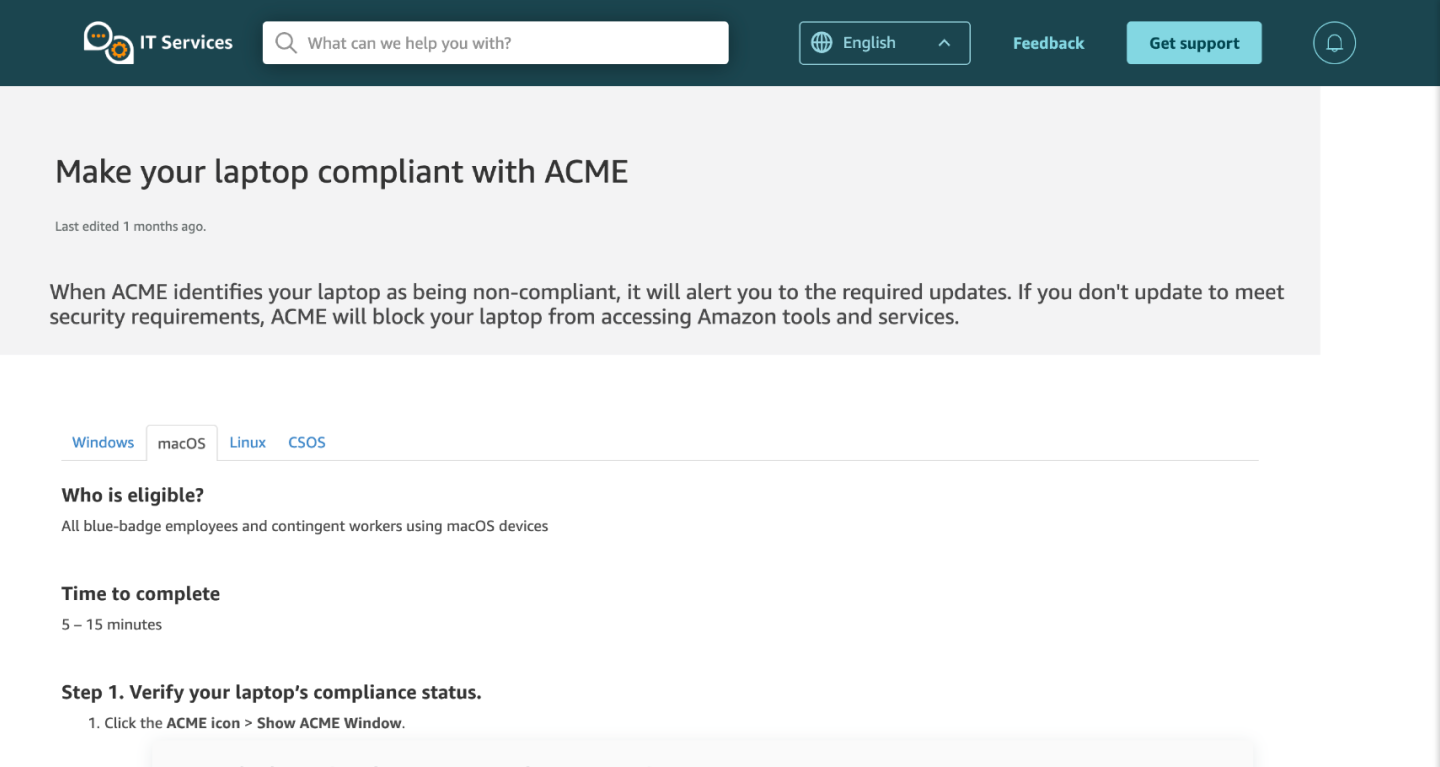
Before redesign
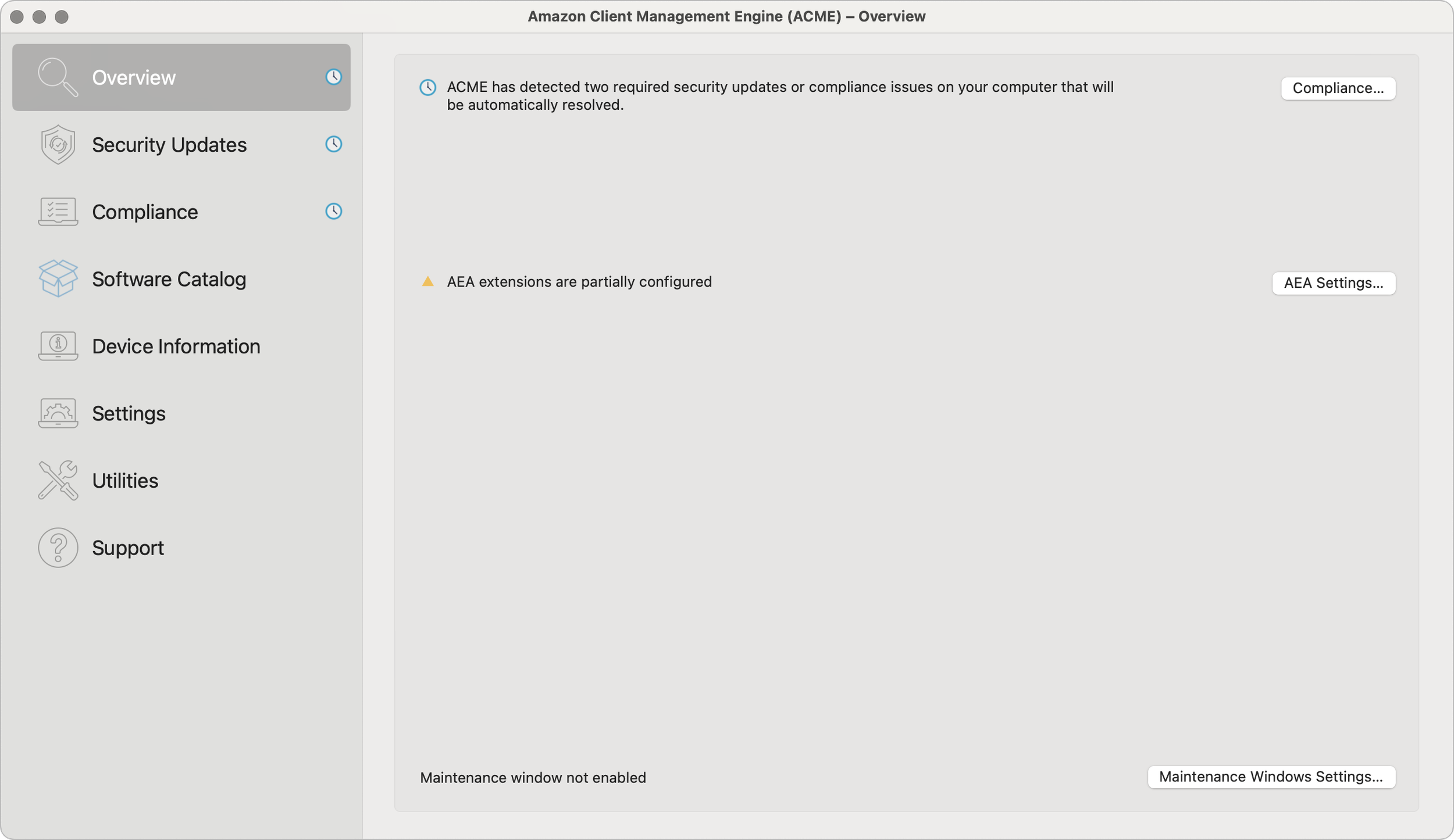
4. Software update
The previous software update UI was cluttered, jargon heavy, and lacked a clear workflow. I completely redesigned it into a simple, guided experience that helps both technical and non-technical users understand what needs updating and why to reduce confusion and make updates easier to complete.
After redesign
North Star design solution
The storyboards established our initial direction.
After delivering the MVP and maturing the core experience, I created the North Star design as the next strategic step to establish a long-term vision.
The IT North Star experience aims to deliver a calm, proactive IT companion that quietly keeps devices healthy, communicates only when needed, and empowers employees to stay productive without wasting time fixing IT issues.
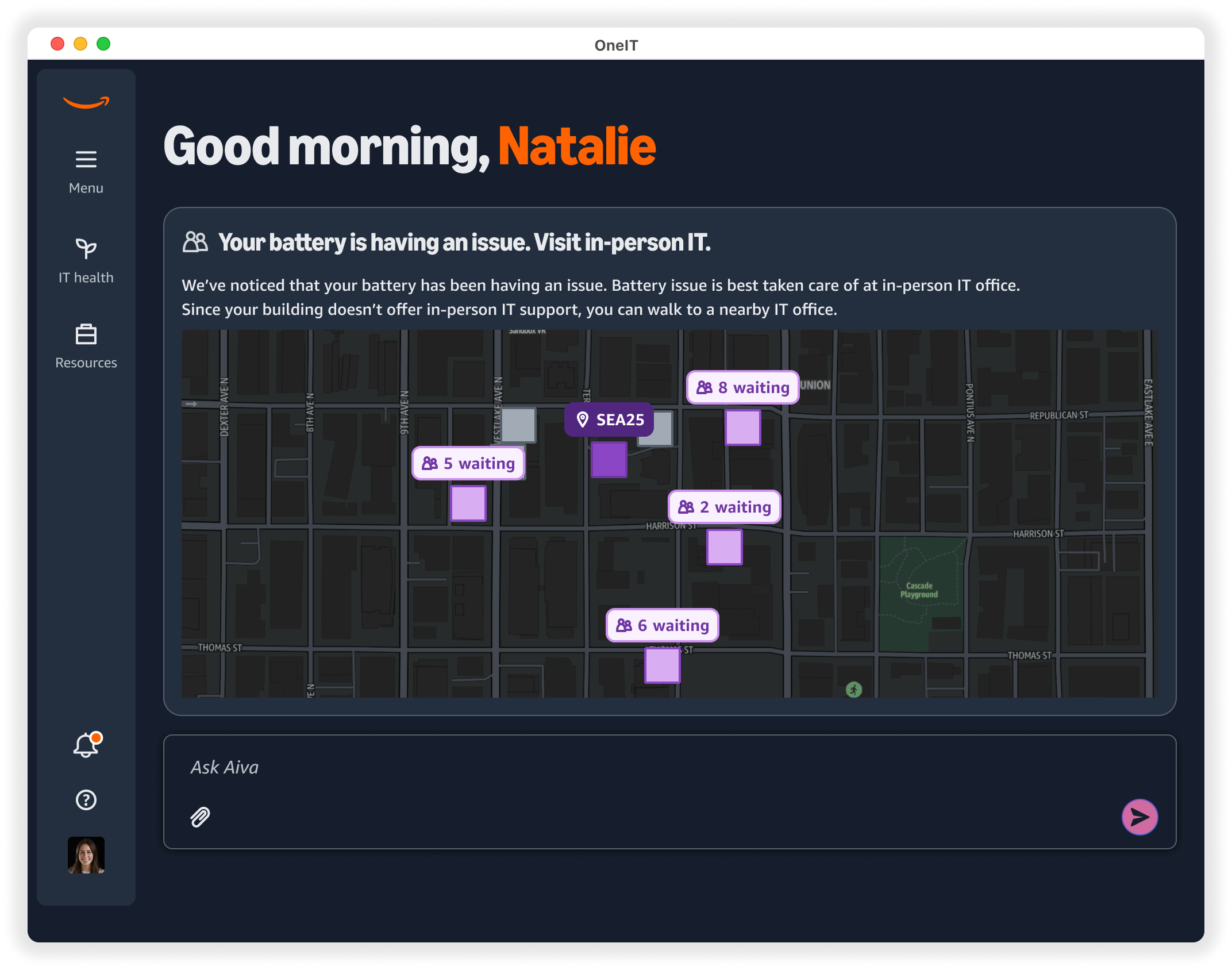
Theme 1) Quiet confidence
Invisible but trust building
IT should establish trust through calm and consistent communication. It’s a system that demonstrates reliability without noise or self-promotion.
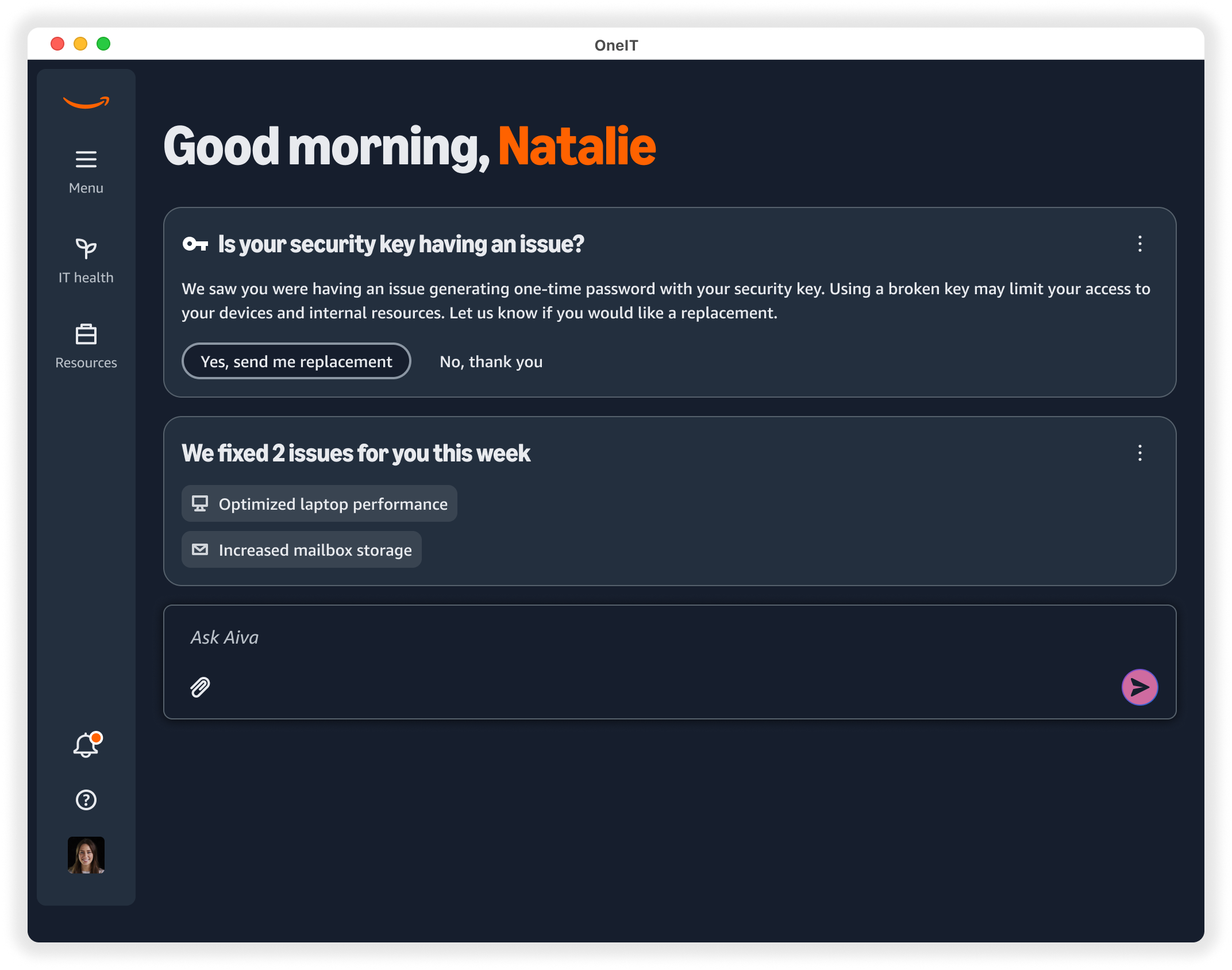
Theme 2) Transparent wins
Share meaningful updates only when needed
We want to build credibility by revealing value thoughtfully. We inform users of meaningful actions only when visibility strengths trusts.
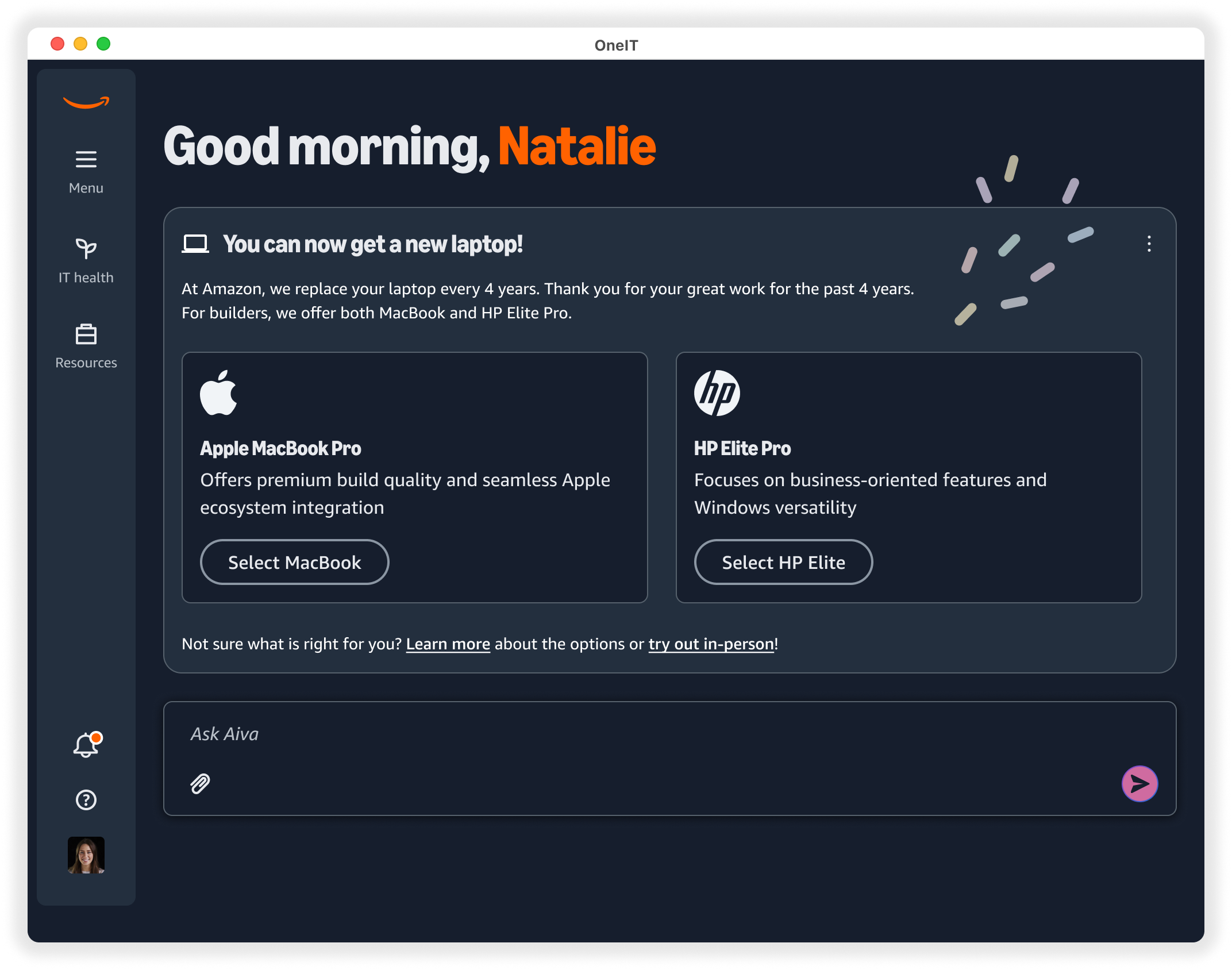
Theme 3) Moments of delight
Fun and engaging experience
IT doesn’t need to feel boring. A touch of warmth or playfulness makes uses feel seen supported.
Theme 4) Easy resolution
Instead of lengthy articles that are difficult to follow, we introduce one step at a time that is personalized for each user.
Challenges
Cross-organization aligment
I partnered with teams outside my organization who were unfamiliar with UX methods. By guiding them through the process, I built trust and ensured we made user centered decisions for both MLP and North Star.
Accelerated delivery timeline
Mid project, the timeline shifted and the full MLP needed to ship within four months. Through tight planning and structured collaboration, I delivered all designs on time without sacrificing quality.
Result
MLP version is set to launch in November.
The North Star design elevated the conversation from individual features to a cohesive, user-centered product vision. It became the foundation for future iterations, informed design decisions across teams, and helped establish a clearer and more aspirational direction for the IT app.